Running a small business is no easy task. From managing inventory to making sure your customers are satisfied, there is always something demanding your attention. One of the most valuable tools that can help you run your business smoothly is a reliable Point of Sale (POS) system. Having worked closely with several retail and hospitality businesses over the years, I’ve seen firsthand how the right POS system can transform operations and save both time and money. In this post, I will walk you through the top ten features every small business POS system must have, answer some commonly asked questions, and help you make the best choice for your store, café, or service business.
Table of Contents
What is a POS System Exactly?
Before we dive into features, let’s clarify what a POS system actually is. A POS system, short for “Point of Sale” system, is the place where a customer makes a payment for goods or services at your store. In simple terms, it’s the system that records sales, processes payments, and can often help with inventory, employee management, and reporting. It typically includes both hardware (like a touchscreen, barcode scanner, and receipt printer) and software (the program that runs transactions and manages data).
How Much Do POS Systems Cost?
POS system costs in South Africa can vary greatly depending on the size of your business, the specific features you need, and whether you choose to buy or rent the equipment. For businesses looking to purchase a POS system outright, basic software packages typically start from around R400 to R1000 per month, depending on the provider and functionality. Hardware such as terminals, barcode scanners, cash drawers, and receipt printers can cost anywhere from R5000 to R20,000 or more, depending on the quality and specifications of the equipment.
For many small and start-up businesses in South Africa, POS rentals offer a more affordable and flexible option. Rental packages usually start from as little as R300 to R800 per month for basic systems, which often include the necessary hardware and software as part of the monthly fee. This is a popular choice for new businesses or those who want to avoid large upfront capital investments.
When considering any POS system, it is important to also check for additional costs such as card transaction fees (which are typically charged as a small percentage of each sale), software licensing or subscription fees, maintenance and support charges, and potential costs for future upgrades or additional user licenses.
By carefully comparing purchase and rental options, small business owners in South Africa can find a POS solution that fits both their operational needs and their budget.
What Type of POS Systems Do You Get?
When you’re shopping for a POS system, you’ll come across a few main types:
- Cloud-based POS Systems: These store all data online and allow access from any device with an internet connection. Ideal for businesses needing mobility or multiple locations.
- On-premise POS Systems: These store data locally on your hardware. Typically used by larger businesses that want full control over their data.
- Mobile POS Systems: Apps that run on smartphones or tablets. Perfect for small retail shops, pop-up stores, or food trucks.
- Self-service Kiosks: These are customer-facing POS systems where customers can place orders or check out themselves. Great for fast-food places and cinemas.
- Multichannel POS Systems: These are designed to integrate both online and in-store sales, ideal for businesses that sell both on eCommerce platforms and physical locations.
Top 10 Features Every POS System Should Have for Small Businesses
1. Ease of Use
The last thing you want is a system that requires hours of staff training or technical support. A good POS system should have an intuitive interface that is easy for anyone to use. Whether you are ringing up a sale or processing a return, the system should make things straightforward. Drag and drop menus, customizable buttons, and clear layouts are all signs of a user-friendly system.
2. Inventory Management
A feature-rich inventory management tool is essential. The system should allow you to track stock levels in real-time, alert you when items are low, and generate detailed inventory reports. This is especially useful for businesses with large inventories like retail shops or restaurants. Some systems even let you set automatic reordering of popular items to prevent stockouts.
3. Sales Reporting and Analytics
Knowledge is power when it comes to sales. The POS system should provide detailed reports that help you understand which products are performing well, what times of day are busiest, and how your staff are selling. These reports help you make informed decisions about promotions, staffing, and inventory.
4. Customer Relationship Management (CRM)
Keeping your customers coming back is key to growing your small business. A CRM feature in your POS system will help you collect customer data like emails, phone numbers, and purchase histories. You can then use this information to run targeted promotions, loyalty programs, or personalized marketing campaigns.
5. Payment Processing Flexibility
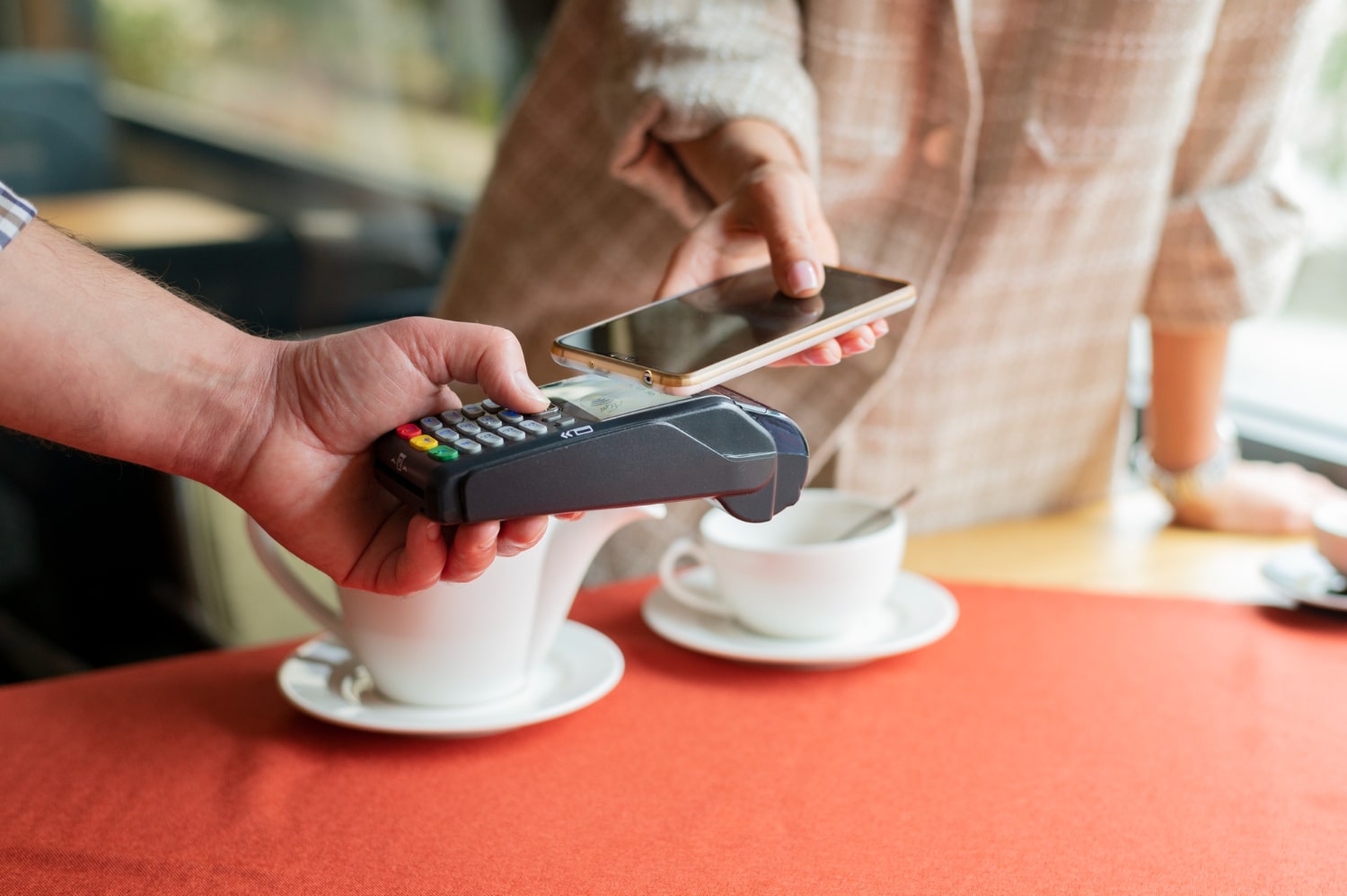
Today’s customers expect to pay in various ways. Your POS system should handle multiple payment types including cash, credit cards, debit cards, mobile payments (like Apple Pay and Google Wallet), and even gift cards. The more payment options you offer, the smoother the customer experience will be.
6. Employee Management
A solid POS system also doubles as a tool for managing your staff. You should be able to track clock-ins and clock-outs, set employee permissions, and see which employees are making the most sales. This not only improves accountability but also helps in scheduling and payroll management.
7. Mobile and Remote Access
As a business owner, you’re not always going to be on-site. The ability to log into your POS system remotely via an app or a web portal is invaluable. You can check sales reports, inventory levels, or employee shifts from anywhere. This is especially important if you run multiple locations or do a lot of traveling.
8. Integrations with Other Software
Your POS system should be able to connect with other tools you use, such as accounting software (like QuickBooks), eCommerce platforms (like Shopify), or marketing tools (like Mailchimp). Integration saves you from entering the same data in multiple places and reduces errors.
9. Security Features
Data security is more important than ever. A good POS system will include end-to-end encryption, secure payment processing, user access controls, and regular software updates to protect your business and customer data from hackers or fraud.
10. Scalability
Your small business may not stay small forever. As your business grows, your POS system should be able to grow with you. Whether you open more locations, add new products, or expand into online sales, your POS system should have the flexibility to scale up without needing a complete replacement.
Final Thoughts
Choosing the right Point Of Sale system can feel overwhelming with all the options out there, but focusing on these ten essential features can guide you in the right direction. Remember, your POS system is more than just a cash register. It’s an all-in-one business tool that can handle sales, inventory, employee management, customer relations, and even your marketing efforts.
Take the time to assess your business needs, set a realistic budget, and demo a few systems before making a decision. Whether you run a cozy coffee shop, a bustling retail store, or a growing service business, the right POS system will save you time, reduce errors, and improve the overall customer experience.